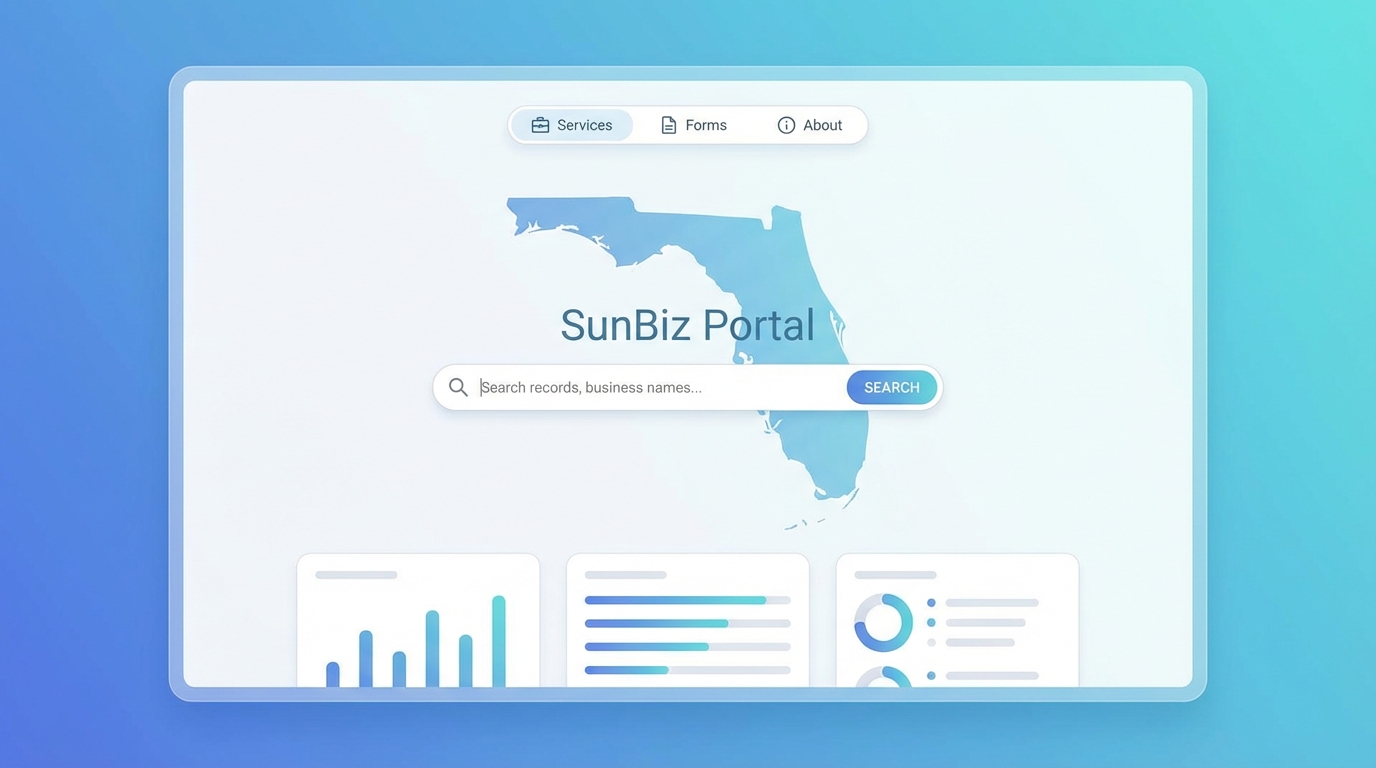
SunBiz Florida Business Search: Complete Guide to Using the Florida Division of Corporations Portal in 2026
What Is SunBiz.org?
SunBiz.org is the official website of the Florida Division of Corporations, a division of the Florida Department of State. It serves as the central online portal where businesses are formed, maintained, and searched in the State of Florida. Whether you need to register a new business, file your annual report, search for an existing company, or verify the status of a business entity, SunBiz is where it all happens.
The portal is publicly accessible and free to search, making it an invaluable resource for business owners, attorneys, investors, potential partners, and anyone who needs to verify information about a Florida-registered business. The official URL is sunbiz.org, which redirects to the Florida Division of Corporations section of the Department of State website at dos.myflorida.com.
SunBiz maintains records for over 4 million business entities registered in Florida, including LLCs, corporations, nonprofits, limited partnerships, general partnerships, and foreign entities qualified to do business in the state.
How to Search for a Business on SunBiz
The SunBiz Florida business search offers several ways to find information about a registered entity. Understanding each search method helps you find what you need quickly and efficiently.
Search by Entity Name
The most common search method is by business name. Here's how to use it:
- Navigate to sunbiz.org and click on "Search Records" or go directly to the entity search page.
- Select "Entity Name" as your search type.
- Enter the business name (or part of the name) in the search field.
- Click "Search Now" to view results.
Tips for name searches:
- You do not need to include entity designators like "LLC," "Inc.," or "Corp." in your search, but including them can help narrow results.
- The search returns results that begin with your search term, so "Florida" will return all entities starting with "Florida" — potentially thousands of results.
- If you are looking for a specific business, try to use as specific a name as possible.
- The search is not case-sensitive — "ACME" and "acme" will return the same results.
- Results are listed alphabetically, showing the entity name, document number, status, and filing date.
Search by Document Number
Every entity registered in Florida is assigned a unique document number (also called a filing number). This is the most precise way to find a specific entity.
- Select "Document Number" as your search type on the SunBiz search page.
- Enter the document number exactly as assigned. Florida document numbers are typically formatted as a letter followed by numbers (e.g., L12000012345 for an LLC, P12000012345 for a profit corporation).
- Click "Search Now" to go directly to that entity's record.
The document number search is especially useful when you already know your company's filing number — for example, when filing your annual report or checking your entity's current status.
Search by Officer or Registered Agent Name
SunBiz also allows you to search for entities associated with a particular individual:
- Select "Officer/Registered Agent" as your search type.
- Enter the person's last name and, optionally, first name.
- The results will show all entities where that person is listed as an officer, director, manager, or registered agent.
This search is particularly useful for:
- Investigating a potential business partner's other business affiliations
- Finding all entities associated with a specific individual
- Verifying that someone actually holds the position they claim in a particular company
- Attorneys conducting due diligence research
Search by FEI/EIN Number
You can also search by a company's Federal Employer Identification Number (FEIN/EIN). This is the tax identification number issued by the IRS. While this search method is available, it may not always return results because not all entities have their EIN on file with the state, and some entries may be partially masked for privacy reasons.
What Information Is Available on SunBiz?
When you find an entity on SunBiz, the detail page provides a wealth of information. Here's what you can typically find:
Entity Details
- Entity Name: The official legal name of the business as registered with the state.
- Document Number: The unique filing number assigned by the Division of Corporations.
- FEI/EIN Number: The Federal Employer Identification Number (may be partially masked).
- Date Filed: The original date the entity was formed or registered in Florida.
- State of Formation: For foreign (out-of-state) entities, this shows where the entity was originally formed.
- Status: The current standing of the entity (Active, Inactive, Dissolved, etc.).
- Last Event: The most recent filing event, such as an annual report or amendment.
- Last Event Date: When the most recent filing event occurred.
Principal Address and Mailing Address
The entity's main business address and mailing address are displayed. These are updated through annual report filings and amendments.
Registered Agent Information
The name and address of the current registered agent, including whether it is an individual or a commercial registered agent company.
Officers and Directors (or Members/Managers)
For corporations, the officers and directors are listed. For LLCs, the managing members or managers are shown. This includes their names and addresses as reported in the most recent annual report or amendment.
Annual Report Filing History
SunBiz maintains a complete filing history for each entity, showing every annual report filed, amendments, and other filings. You can view the details of each filing, which is useful for tracking changes over time.
Document Images
Many filings have associated document images that you can view or download. This includes articles of incorporation/organization, amendments, and annual reports. Some documents may require a small fee to access.
Understanding Entity Status on SunBiz
One of the most important pieces of information on SunBiz is the entity's status. Here's what each status means:
Active
The entity is in good standing with the State of Florida. It has met all filing requirements, including annual reports, and is authorized to conduct business. This is the status you want your business to maintain.
Inactive
The entity has been administratively dissolved or revoked due to failure to comply with state requirements — most commonly, failure to file the annual report by the September deadline. An inactive entity can typically be reinstated by filing the delinquent annual report(s) and paying the required fees, including late fees.
Dissolved (Voluntarily)
The entity was voluntarily dissolved by its owners or members through the filing of Articles of Dissolution. This is an intentional closure of the business, not a result of non-compliance.
Dissolved (Administratively)
The entity was dissolved by the state due to failure to meet compliance requirements. Similar to "Inactive," but this term may appear for entities that have been inactive for a longer period. Reinstatement may still be possible depending on the circumstances and timing.
Withdrawn
A foreign (out-of-state) entity has officially withdrawn its registration to do business in Florida. This is the equivalent of dissolution for a foreign entity.
How to Use SunBiz for Annual Report Filing
Filing your annual report is one of the primary functions of SunBiz. Here's how the process works:
- Step 1: Navigate to sunbiz.org and click on "Annual Reports" or "File Annual Report."
- Step 2: Enter your entity's document number to pull up your company's current information on file.
- Step 3: Review all information including your registered agent, principal address, mailing address, and officer/member details.
- Step 4: Make any necessary updates to the information. The annual report is your opportunity to correct any outdated details.
- Step 5: Submit the report and pay the filing fee. For 2026, the fees are $138.75 for LLCs/LPs and $150 for corporations/nonprofits.
- Step 6: Download and save your confirmation. This is your proof of filing.
The annual report filing period runs from January 1 to May 1 each year. Reports filed after May 1 incur a $400 late fee. Failure to file by the third Friday in September may result in administrative dissolution.
Tips for Using the SunBiz Portal Effectively
Based on years of experience helping businesses file through SunBiz, here are our best tips:
- Bookmark your entity's page: Save the direct link to your company's SunBiz record for quick access throughout the year.
- Know your document number: Keep your Florida document number readily accessible. It is the fastest and most reliable way to find your entity on SunBiz.
- Check your status regularly: Don't wait until annual report season. Periodically verify your entity status to catch any issues early.
- Review officer information carefully: The officer/member information displayed on SunBiz is what was reported in your most recent filing. If officers have changed, this needs to be updated in your next annual report.
- Use the filing history: Review past annual reports to see what information was previously filed. This can help you verify changes or identify discrepancies.
- Be aware of SunBiz downtime: The portal occasionally undergoes maintenance, typically during off-peak hours. Don't wait until the last day of the filing deadline to submit your annual report.
- Watch for name similarity: When searching for a business, be aware that many entities may have similar names. Always verify using the document number to ensure you're looking at the correct entity.
- Understand that records are public: Everything filed on SunBiz is a matter of public record. Be mindful of the information you include in your filings, as it is accessible to anyone.
Common SunBiz Issues and How to Resolve Them
Users occasionally encounter issues when using SunBiz. Here are some common problems and their solutions:
- Cannot find your entity: Try searching by document number instead of name. Entity names may have been filed differently than you expect (e.g., "Company" vs. "Co.").
- Website errors during filing: SunBiz can experience high traffic, especially near filing deadlines. Try again during off-peak hours or use a different browser.
- Payment issues: Ensure your credit card has not expired and has sufficient funds. SunBiz accepts Visa, MasterCard, Discover, and American Express. Electronic checks are also accepted.
- Information appears outdated: The information on SunBiz reflects the most recent filing. If you recently updated information, it may take a few business days to appear.
Let Us Handle Your SunBiz Filing
Navigating SunBiz and filing your annual report correctly can be time-consuming, especially if you are unfamiliar with the portal. Our filing service takes the guesswork out of the process. We search for your entity, verify all your information, update any changes you need, and submit your annual report — all while ensuring accuracy and on-time filing. Save time and avoid mistakes by using our filing service today.
Frequently Asked Questions About SunBiz
Is SunBiz free to use?
Searching for businesses on SunBiz is completely free. There is no charge to look up entity information, officer details, or filing history. However, filing documents (such as annual reports, articles of incorporation, or amendments) requires payment of the applicable state fees. Accessing certain historical document images may also incur a small fee.
How often is SunBiz updated?
SunBiz is updated in near real-time for most filings. When you file an annual report or amendment online, the changes typically appear on the entity's record within minutes to a few hours. Paper filings and mail-in submissions take longer to be reflected in the system, sometimes several business days or weeks.
Can I file my annual report on SunBiz after May 1st?
Yes, you can still file your annual report after the May 1st deadline, but a $400 late fee will be added to your filing fee. You can continue to file late until the third Friday in September, after which your entity may be administratively dissolved if the report remains unfiled. Even after administrative dissolution, you can file a delinquent report to reinstate your entity, though additional fees and requirements may apply.
What is the difference between document number and FEI/EIN?
The document number (also called filing number) is assigned by the Florida Division of Corporations when your entity is registered. It is your unique identifier within the state's system and typically starts with a letter (L for LLC, P for profit corporation, N for nonprofit, etc.). The FEI/EIN (Federal Employer Identification Number) is assigned by the IRS and is used for federal tax purposes. These are two completely separate numbers from two different government agencies.
Can I see who owns an LLC on SunBiz?
SunBiz shows the managing members or managers of an LLC, not necessarily all owners (members). Florida does not require LLCs to publicly disclose all members — only those who serve in a managing capacity. So while you can see who manages the LLC, you may not see the complete ownership picture. For corporations, the officers and directors are listed, but shareholders are generally not disclosed in public filings.
Why does my entity show as "Inactive" on SunBiz?
An "Inactive" status typically means your entity was administratively dissolved by the Florida Division of Corporations, most commonly due to failure to file an annual report. To reactivate your entity, you will need to file the delinquent annual report(s) and pay all applicable fees, including late fees. Our filing service can help you with the reinstatement process.
Is the information on SunBiz always accurate?
SunBiz displays information exactly as it was filed by the business entity. If an error was made during filing (such as an incorrect address or misspelled name), that error will appear on SunBiz until it is corrected through an amendment or the next annual report. This is why it is crucial to review all information carefully before submitting any filing. If you find inaccurate information on your entity's record, you should file a correction as soon as possible.
Related Posts

Changing Your Business Name on a Florida Annual Report
Want to change your business name in Florida? Learn why you cannot change your entity name on the annual report, and the correct steps to file an Articles of Amendment with the Division of Corporations.

How to Update Officers and Members on Your Florida Annual Report
Need to add, remove, or change officers on your Florida annual report? This step-by-step guide covers officer update requirements for LLCs, corporations, nonprofits, and limited partnerships.
Florida Certificate of Status (Good Standing): How to Get One
A Florida Certificate of Status proves your business is in good standing with the state. Learn what it is, when you need one, how to get it, and why filing your annual report on time is essential.